 Chat2Word
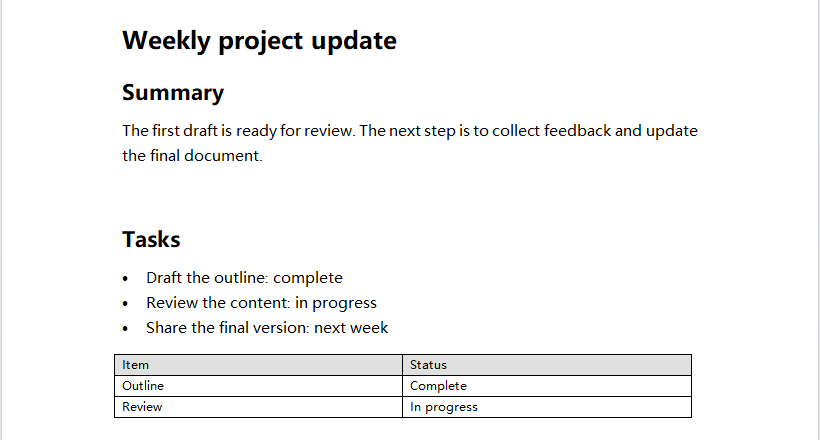
A simple document: headings, list and table
The source contains a weekly project update, task list and status table. Compare it with the actual Word output; this is also the kind of simple content suitable for online Word conversion.
A mathematical formula
The included source uses a display equation for mass–energy equivalence. Inspect the Word file rather than assuming every formula and layout will render identically. The online Word/PDF converter rejects LaTeX input; choose a suitable extension or desktop workflow.
A Mermaid diagram
The reference source describes Draft, Review and Publish. The reference Word file includes the rendered diagram. Use a desktop workflow for Mermaid content and inspect the output; do not assume the browser extensions or online converter support every diagram.

What these examples demonstrate
These files let you inspect real source-to-document output. They do not establish factual accuracy of AI answers or guarantee identical results for another conversation, app version or document viewer. Keep your source and review exported documents before distributing them.